Daniel's Weblog
Posts Tags Colophon
About

Dec 30, 2025


Lehigh University Jazz Band 1979-1980

01-Groovin' Hard
5:55
02-Gary
5:45
03-Tiger of San Pedro
4:54
04-I Remember Clifford
4:29
05-Wind Machine
3:13
06-West End
6:24
07-Jaberwocky and Titinium Blues
11:36
raw audio
44:40
Hosted by the Internet Archive

This whole album is very fun. Apparently track 3 is named after a Sherlock Holmes story (Wikipedia)

The title is based on a character in one of the 56 short stories featuring Sherlock Holmes. Don Juan Murillo is a deposed dictator from Central America, formerly known as “The Tiger of San Pedro”, living in England, in the story “The Adventure of Wisteria Lodge”.


Dec 26, 2025


Converting records with a USB turntable and Raspberry Pi Peviously I left a laptop sitting by my record player running Audacity but that was inconvenient so I stuck a Raspberry Pi over there and run these commands via SSH.

I am not an expert, I’m just using the equipment I have so please don’t interpret this as “the best way to convert records”

You can hear some records converted by this process at by browsing posts tagged “vinyl”

Components:

  • Record player with USB output (AT-LP120XUSB)
  • Raspberry Pi (Using a 3B but probably anything will work)
  • NAS

Prior Art:

  • Hi-Fi analog to digital with IceCast
    Utilizes IceCast to stream audio around your network. Involves running several services and is primarily focused on streaming.

  • PiDeck
    A system for DJing with your turntable, not for converting

  • Z-LiveRec
    This is an interesting piece of software but is built as a desktop application. I’d rather run everything from the command line. If it had a web interface I would consider purchasing it.

  • Ripping Vinyl Records on a Raspberry Pi
    This is very close to what I am doing! Ed describes some issues writing to his local storage and file server but I haven’t noticed anything similar. Perhaps he was using an older Raspberry Pi? (I’m using a Raspberry Pi 3)

My Setup:

  1. Connect Raspberry Pi to record player via USB

  2. Ensure mount directory exists and mount the NAS via SMB

    mkdir -p /tmp/nas;
    sudo mount.cifs //nas.local/home /tmp/nas -o user=daniel,nounix,uid=$(id -u),gid=$(id -g)
    
  3. Change to the relevant directory

    cd /tmp/nas/my_new_record
    
  4. Identify the correct audio device

    arecord -l
    

    I’m going to be using card 2, device 0 which is indicated on the second line:

    **** List of CAPTURE Hardware Devices ****
    card 2: CODEC [USB AUDIO  CODEC], device 0: USB Audio [USB Audio]
        Subdevices: 0/1
        Subdevice #0: subdevice #0
    
  5. Begin recording

    # Start a tmux session so the recording continues even
    # if the SSH connection gets disconnected
    tmux;
    
    sudo arecord --device "hw:2,0" -vv --vumeter=stereo -c 2 -f "S16_LE" -r 44100 raw_audio.wav;
    

    Explanation:

    • --device "hw:2,0" This means “card 2, device 0” that we found in step 4
    • -vv Double verbosity. Activates the VU meter
    • --vumeter=stereo Shows two channels in the VU meter
    • -c 2 Record two channels
    • -f "S16_LE" Record in Signed 16-bit little endian. I picked this simply becuase it matched the Audacity default that I was previously using
    • -r 44100 record in 44.1 kHz. Again, picked because it matched the Audacity default
  6. Finish recording by pressing ctrl-c on the arecord command

Future work:

  • Automatically mount SMB on startup
  • Detect the end of the record / the record getting stuck and send a Pushover notification
  • I thought about automatically recording when the Pi detects a record playing but I decided that it would be too confusing to have to deal with unlabeled files

Dec 21, 2025


Moonshine And Marches from Old South Mountain (1963)

1
Entrance Fanfare
0:33
2
Down the Field
1:10
3
Victory March
1:00
4
Lehigh Salute - Royal Fanfare / Men of Harlech / Glory of the Trumpets / Hail the College (Hail to Lehigh) / Lehigh Triumphal
3:27
5
Football Medley - The Old Silver Goble / Rearing, Tearing / Everybody Takes His Hat off to Lehigh (Lehigh Will Shine)
3:15
6
A Son of a Gambolier
3:35
7
The Foundation
3:31
8
On the Mall
3:10
9
Precision Drill - Fanfare / Invercargill / On the Square
5:20
10
Lehigh Drinking Medley - Fanfare / My Eyes are Dim, Eagles, Fireman Bill, Glorious, My Girl's From / Sunset in Bethlehem
4:30
11
Fanfare
0:41
12
The Black Horse Troop
3:25
13
Belle of the Ball
2:47
14
Class Reunion (from Alma Mater Suite)
1:46
15
Alma Mater
2:59
Hosted by the Internet Archive

Moonshine and Marches from Old South Mountain This record is from 1963 and includes the first recording I have heard of the Lehigh Band at Carnegie Hall in 1962 (Track 7, “The Foundation”).


Dec 7, 2025


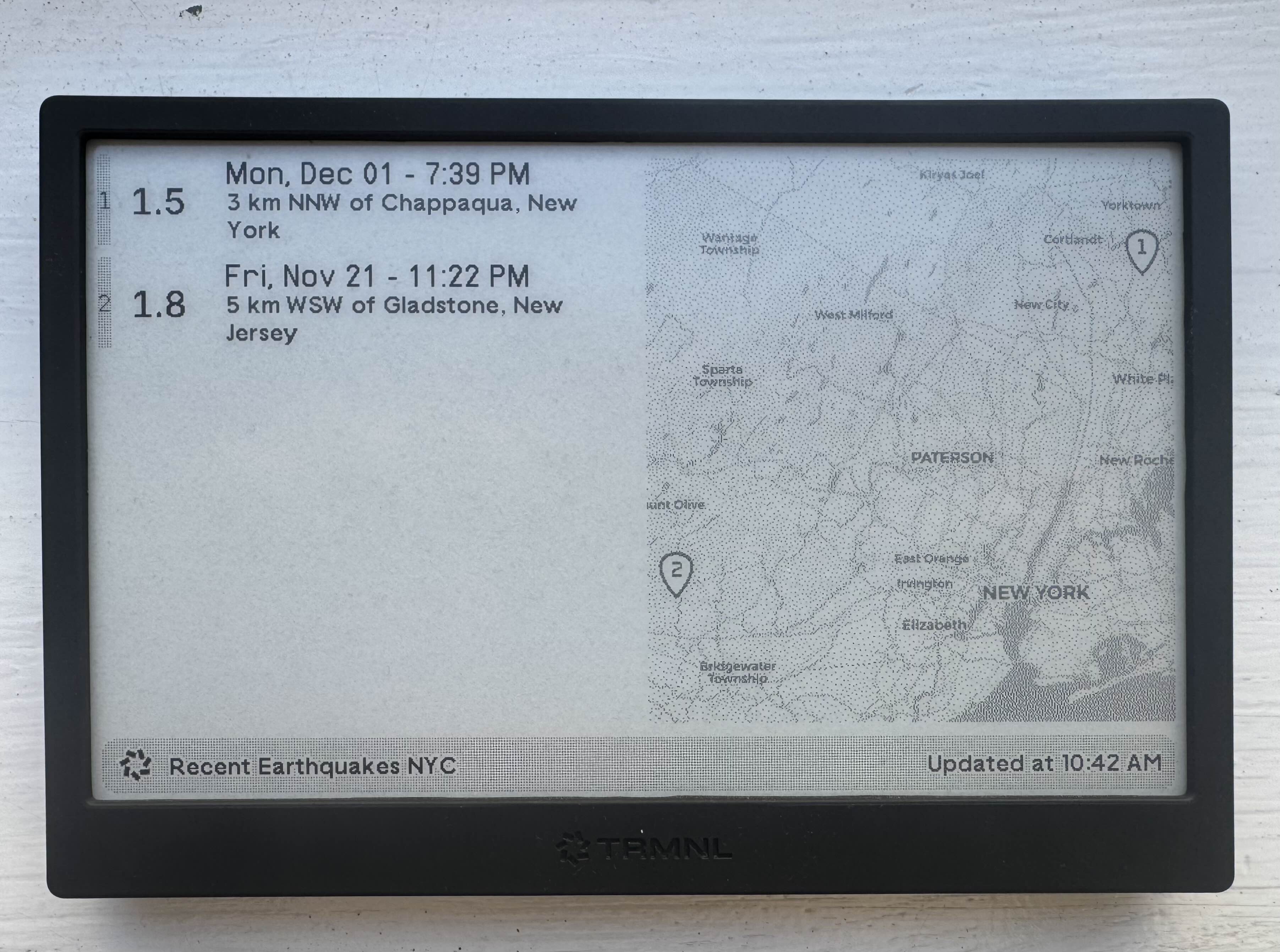
TRMNL Earthquake Recipe TRMNL devices now support 2-bit color palettes (announcement). It takes longer to draw the screen but I think the extra detail is worth it for the map on my USGS Earthquake map plugin.

You can configure your device to use the extended palette for everything or on per playlist-item basis.

For comparison, here’s the 1-bit verison


Nov 20, 2025


Digitizing Tapes in 2025

My friend ended up with a big box of video tapes from their childhood from VHS, Video8, and MiniDV.

I have been given / volunteered for / chose to digitize these and I’m trying to strike a reasonable balance between cost, quality, and effort.

There is some very interesting work happening with softwared defined decoding in the VHS-Decode project but it’s a little more moving parts and soldering than I want to do right now. Perhaps in a few years when I can buy a single piece of hardware for a few hundred dollars I’ll revisit this.

1. First attempt: Try to get everything via an analog capture card

Camcorder -> Composite / S Video -> Black Magic Intensity Extreme -> Computer

I bought a used BlackMagic Intensity Extreme including a Thunderbolt cable which claims to be able to capture NTSC (fun fact, this is literally the first time I have ever touched a Thunderbolt cable!). These are pretty cheap. I read online that this isn’t great but I hoped it would be Good Enough™️.

It wasn’t!! Lots of black frames and stuttering. The video wasn’t watchable.

2. Second attempt: Convert the MiniDV tapes via FireWire

These should be the easiest. It’s digital data stored on tapes. The camcorder has a FireWire port on it… but I don’t own any devices with a FireWire port.

Apple made a FireWire to Thunderbolt adapter (MD464LL) which I could plug in to my 2014 MacBook Pro with Thunderbolt but they’re pretty pricey on eBay at this point.

2.1 PCIe FireWire card via USB

PCIe FireWire cards are cheap… but I live in an NYC apartment and don’t have computer with a PCIe slot lying around.

Camcorder FireWire -> PCIe FireWire card -> PCIe to M2 Adapter -> USB M2 NVMe Adapter -> Computer

Edit: This doesn’t work

  1. M.2 NVMe to USB adapter $16
  2. M.2 M-Key to PCIe adapter $10
  3. LinksTek 4-Ports 1394A PCIE FireWire 400 card $20

~Total cost $50. I probably should have just bit the bullet and waited for an Apple adapter to pop up for $100 and avoided this horrible chain of converters.

2.2 FireWire -> Thunderbolt adapter

Camcorder FireWire -> Belkin Dock -> Apple Thunderbolt 2 to 3 (USB-C) Adapter -> M1 MacBook Pro

This works!

Instead of the pricey Apple adapter, you can get a Thunderbolt dock with a FireWire port! I got the Belkin Thunderbolt Express Dock F4U055 on eBay for $29 + shipping. It’s big and bulky and requires an external power supply but it worked without any fuss or driver installation. If you have a Mac with a Thunderbolt port you can open iMovie and get to work!

I was able to buy a used Thunderbolt 3 (USB-C) to Thunderbolt 2 adapter cheaply allowing me to use this dock with iMovie and Final Cut Pro X on my M1 Macbook Pro (Sequoia 15.5). Again, no issues!

Warning:
Apple removed support for FireWire in MacOS 26. I assume that will break this setup.

Note:
There doesn’t seem to be much difference between importing videos via FireWire via iMovie and Final Cut Pro X. FCPX offers some options like “Remove Pulldown in video”, “Balance color”, and “Find people” for video and “Fix audio problems”, “Separate mono and group stereo audio”, “remove silent channels” for audio but I’m not using any of them. If you only have iMovie I wouldn’t rush out to buy a copy of FCPX.

3. Step 3: Get the Video8 via another camcorder with Passthrough to FireWire

I want to follow the instructions on page 88 of this manual. All of this to be continued as soon as I find a camcorder with both FireWire passthrough and a TBC on eBay…


Nov 17, 2025


Yalc is a better alternative to npm link. At work we package some React code in to Node modules to share them between our internal applications. This often involves updating the modules and then immediately testing them in an application running locally. According to the npm documentation the way to do this is via npm link but I’ve always struggled with it.

I’m not going to describe my issues in details because other people have encountered the same set of problems:

I wish I could give credit to my introduction to yalc but I can’t recall at this point. I strongly recommend it if you’re struggling with npm link.


Nov 10, 2025


GoPro Manual File Recovery I’ve never actually used any of the labs firmware but I found this tidbit interesting for repairing an improperly closed file. Reproduced here for posterity:

# Useful Tip - Manual File Recovery

So you have a corrupted/unclosed GoPro file. You crashed your drone, and the battery was disconnected before the file was closed, or you ran your car wheel over a recording GoPro, crushing it. If your SD Card survived, the file is likely recoverable using another GoPro.

0. You need any working GoPro camera, although the same model and firmware version is advised. If you’re using Labs Firmware and are using Altered file naming (this page’s Labs feature), reset the filenaming to the default.
1. Copy the file you want to repair to your PC
2. With a working GoPro, record for 10+ seconds then pull the power or battery, while still recording. You want an intentionally unclosed file. The camera will remember it needs to repair only this file
3. Add that SD Card to your PC directly (not via camera USB)
4. Copy the filename of the last MP4 captured. e.g. “GX010358.MP4”
5. Delete this dummy file from the SD Card
6. Add your previous corrupted (unclosed) file to the SD card, and rename it to the copied name. e.g. If your filename was “Drone03_GX010201.MP4”, or just “GH010330.MP4”, rename it to “GX010358.MP4” (your last MP4 filename)
7. Insert the SD Card with your corrupted file back into the working GoPro camera
8. Power on the camera, and the “last” file will be repaired
9. Once the camera completes the file repair process, you can eject the SD Card and backup and play the now repaired file

Compatibility: Labs enabled HERO8, HERO9, HERO10, HERO11, HERO12, HERO13, MAX and BONES

Nov 7, 2025


Manual Scrolling Capture (Shottr) I’ve been a convert to Shottr.cc for screenshots for a few years now but I’ve been frusterated that a MacOS update broke the scrolling capture feature recently. I looked around to see if there were any alternatives but was very pleased to find that there is a secret option where you manually scroll. Good enough for me!

To enable manual scrolling in Shottr, first of all, make sure that you run Shottr v1.8.1 or newer (you could check in menu Shottr → About). When it’s done, enter this line in your browser, and hit enter: shottr://settings/scrolling/manual/enable


Oct 27, 2025


1972 UConn Marching Band Vinyl (MC-1860)

1/16
Prance-On and Husky Fanfare
0:49
2/16
UConn Husky
1:33
3/16
Old Connecticut
1:44
4/16
When Johnny Comes Marching Home
1:44
5/16
Down by the Lazy River
1:40
6/16
Rockin' Robin
1:11
7/16
Yo Yo / Theme from Shaft
3:37
8/16
Captains from Castille
1:58
9/16
Peace on Earth
3:70
10/16
Dancing in the Street
2:22
11/16
The Russian Show - Borodin Second Symphony, Procession of Nobles, Samarkand, Back in the USSR, Sabre Dance, Russian Finale
9:60
12/16
1972 Street Series
4:70
13/16
Runaway
2:40
14/16
Two Silhouettes on the Shade
1:10
15/16
Witch Doctor
1:10
16/16
Sealed with a Kiss
1:22
01
MC-1860_1972_UCMB
44:53
Hosted by the Internet Archive

UConn Marching Band Vinyl 1973 (USR-6204)

1
Husky Fanfare
0:26
2
UConn Husky
1:34
3
Old Connecticut
1:53
4
Brandywine Quickstep / Yankee Doodle / God Bless America
2:48
5
Bully
2:20
6
1973 Street Series
3:14
7
Music for Diverse Thirsts
1:54
8
Witch Doctor
1:13
9
Save the Last Dance for Me
2:44
10
I will Follow Him / Wipe Out
3:70
11
Chapel of Love
2:10
12
Hocus Pocus
4:60
13
Tears of a Clown / Touch Me in the Morning
3:39
14
Bill Bailey
2:70
15
South Rampart Street Parade
3:55
01
Raw audio
39:45
Hosted by the Internet Archive

1972 UConn Brass Band Class and 1973 UConn Marching Band I’m expanding my reach from just Lehigh vinyls to also include UConn records.


Oct 25, 2025


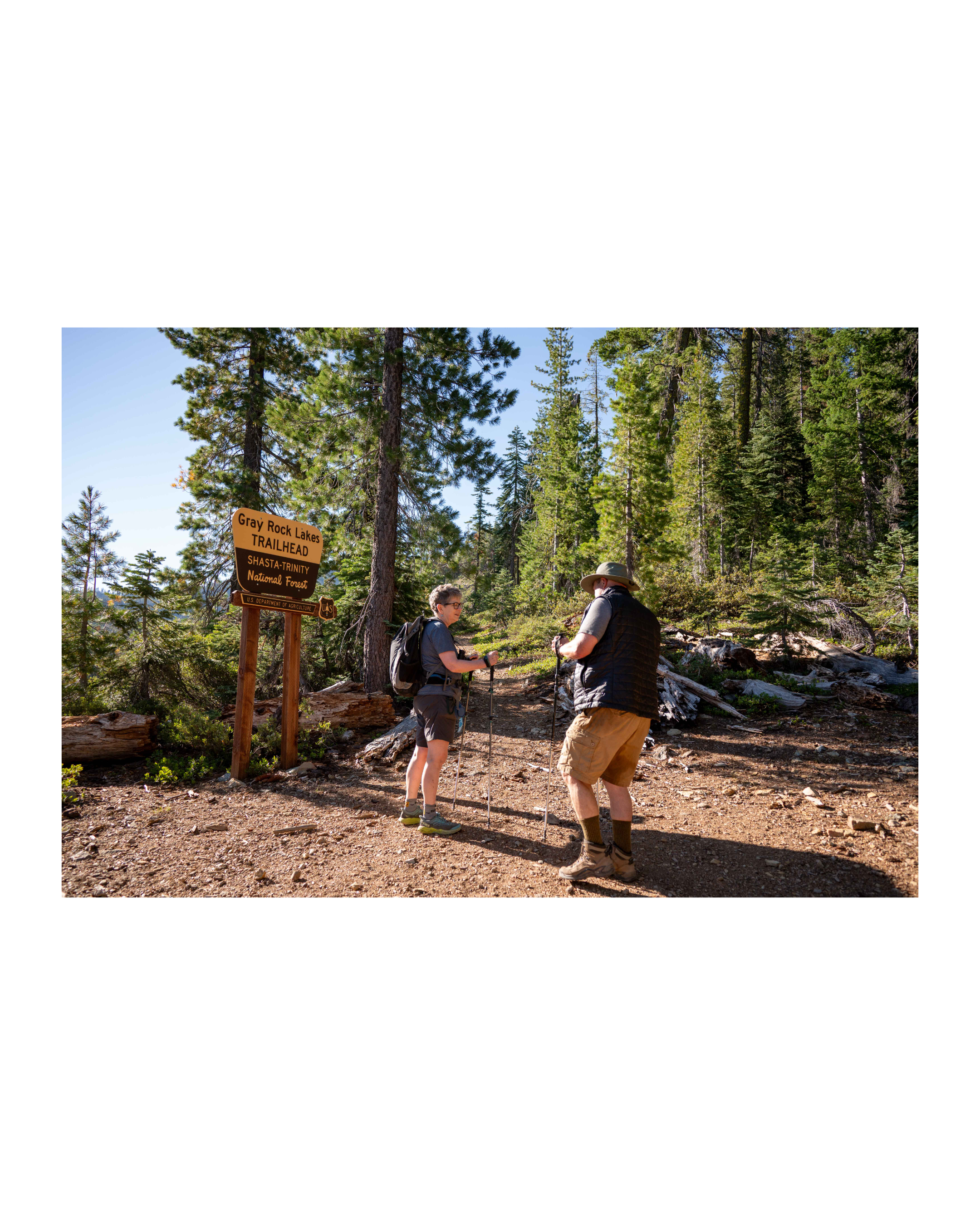
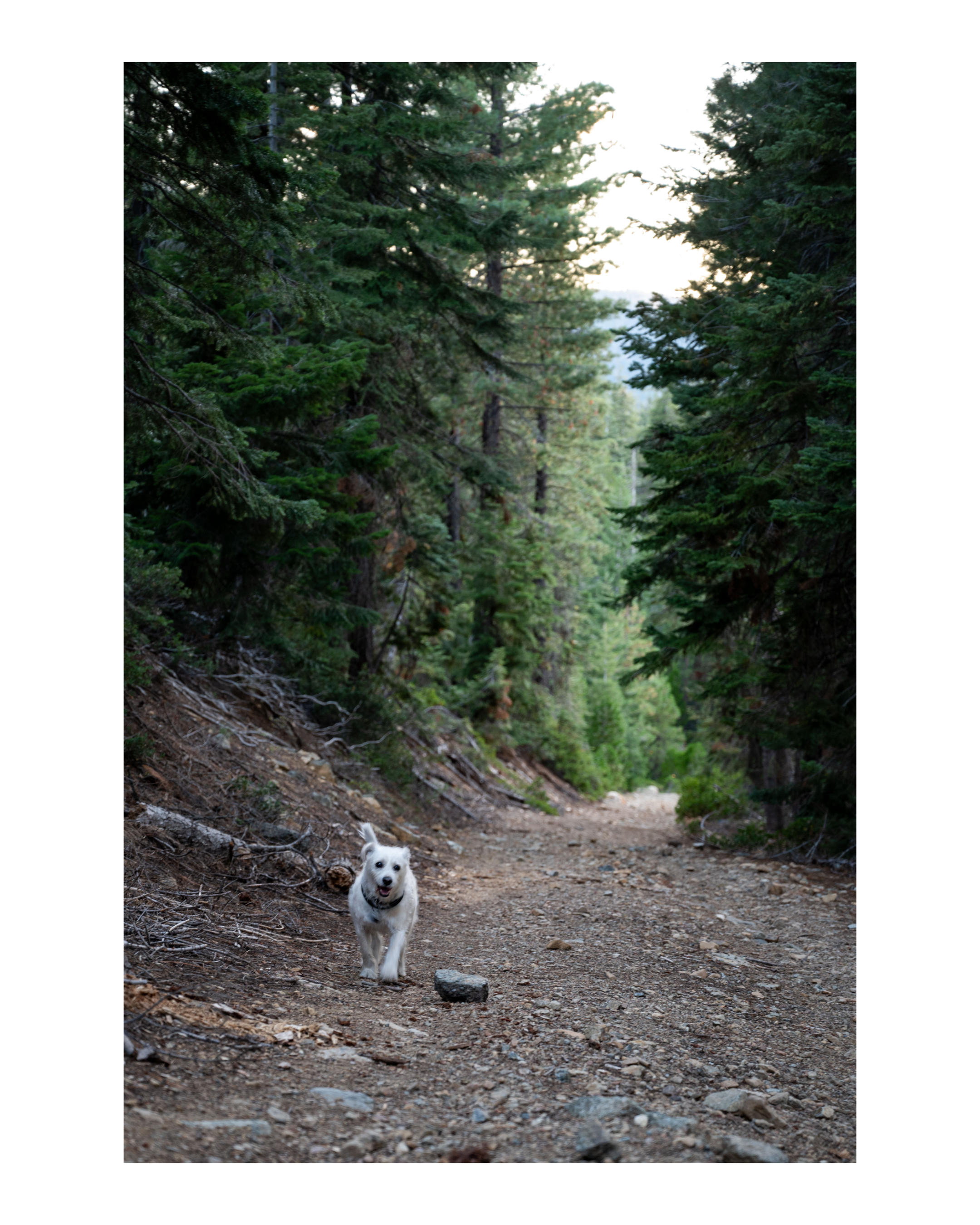
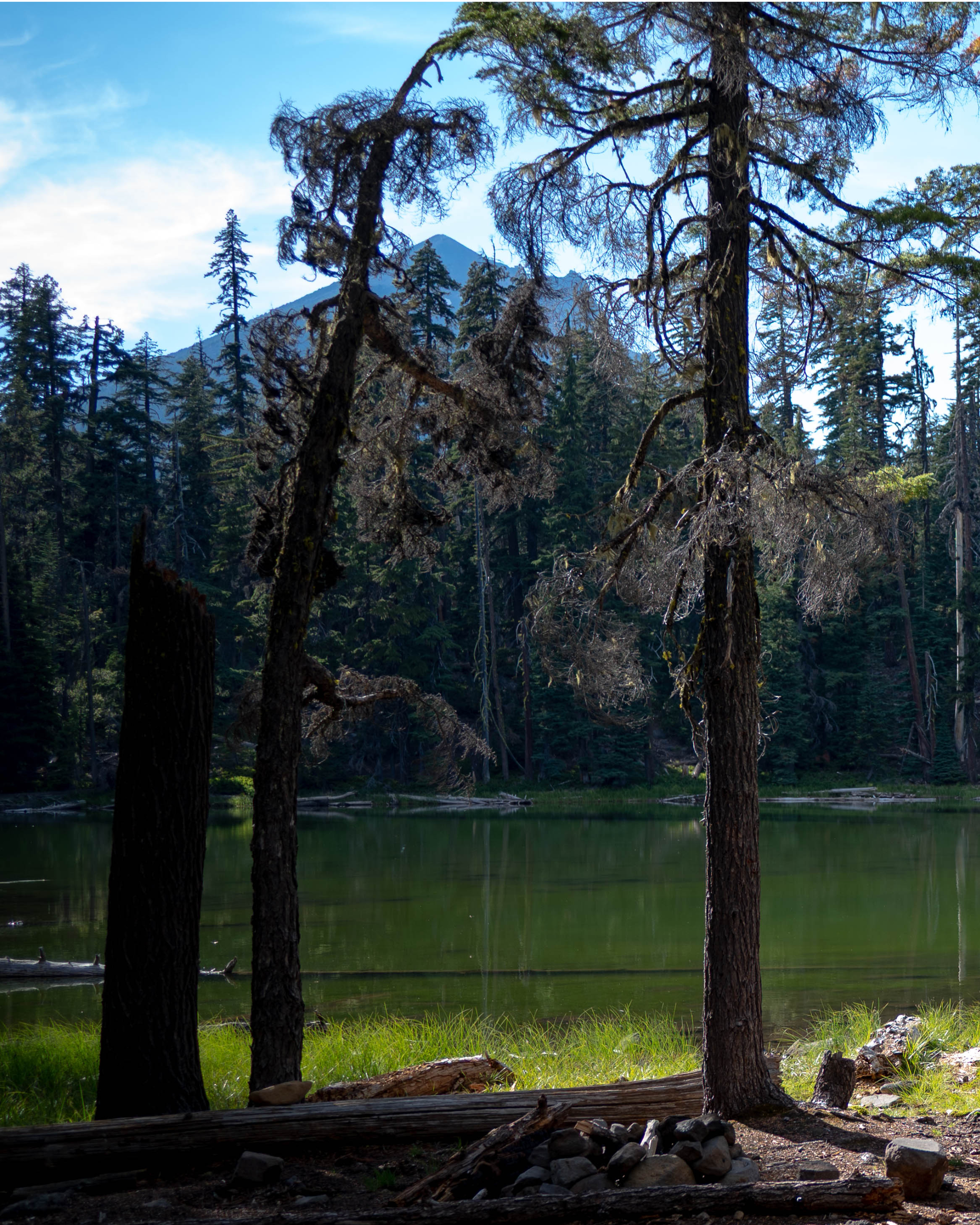
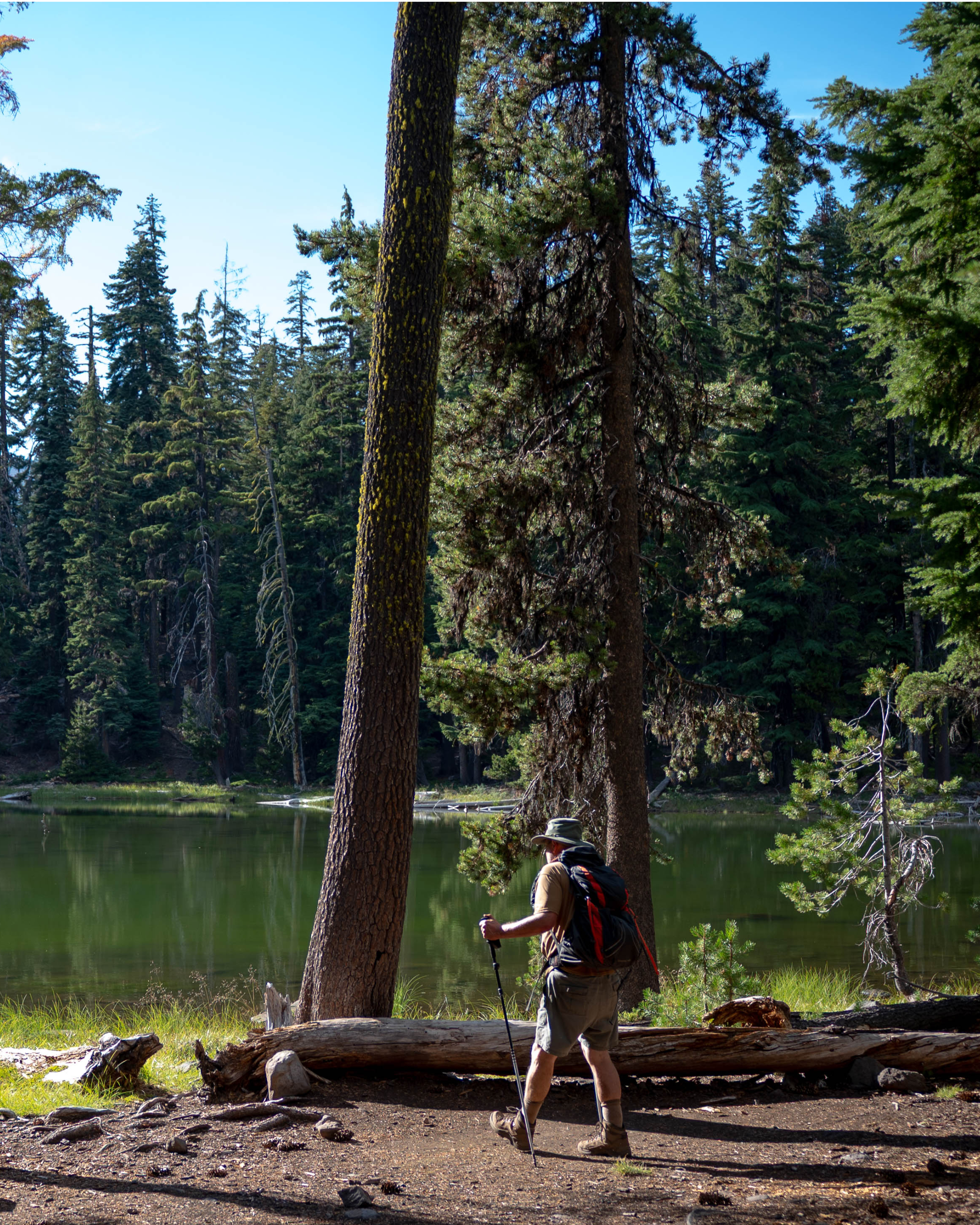
Summer hiking in Northern CA and Eastern Oregon

Scroll for more →